Your task list alongside your AI assistant
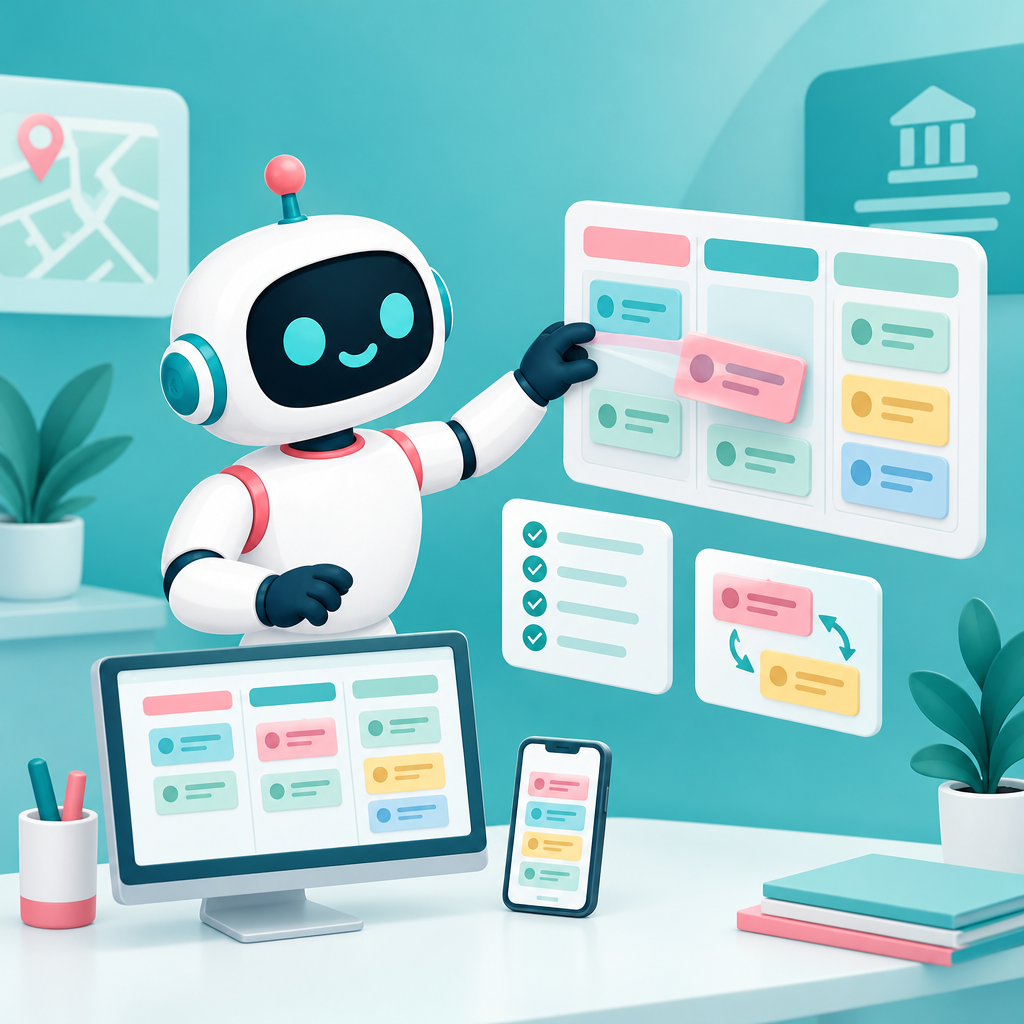
Organize personal and shared tasks directly in AI-Public.
Date: 2026-11-19
Category: News
You can now use personal and shared task boards in AI-Public. This lets you keep track of actions for things like a residents’ meeting, a policy document, or new public information in the same environment as your AI assistant.
Find the feature under Knowledge Base → Personal → Tasks. Create a board with columns and use labels, deadlines, a checklist, and comments to keep work organized. You can share a board with colleagues, groups, or a department, making it easy to track progress together.
My Tasks can sync in both directions with Microsoft To Do or Google Tasks, so changes are updated in both places. Google Tasks requires your own Google app, so setting up that integration needs to be handled within your organization.
The tasks feature is available on the web and in the desktop app, so you can keep track of your tasks across devices.
Go to Knowledge Base → Personal → Tasks and create a board for yourself or your team.